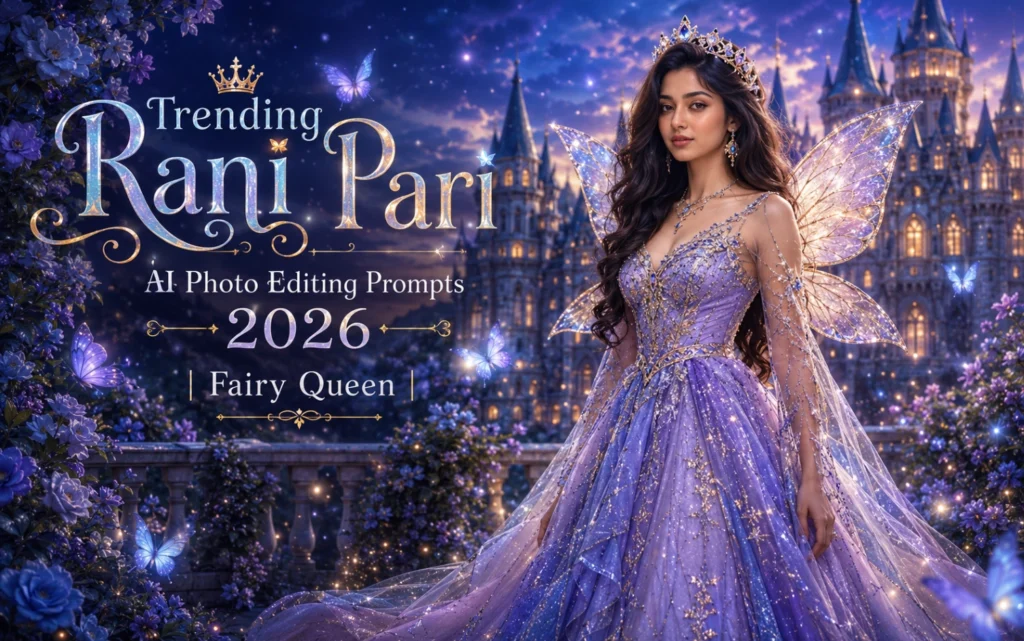
Trending Rani Pari AI Photo Editing Prompts 2026 | Fairy Queen
Rani Pari AI photo editing prompts are becoming a popular choice for creators who want to transform simple portraits into elegant fairy-queen artwork. These edits bring together royal fashion and fantasy details such as jeweled crowns, flowing gowns, luminous wings, enchanted castles, and soft cinematic lighting.
Instead of applying ordinary filters, a detailed prompt allows the AI to build the complete scene—from facial expressions and dress textures to background depth, colour tones, and magical glow. This makes it easier to create polished fantasy princess portraits for profile pictures, reels, posters, and creative social media posts.
For profile-focused fantasy ideas, you can also explore Instagram Profile Picture AI Photo Editing Prompts 2026
Below, you will find carefully written Rani Pari prompts for different royal and magical styles, along with simple creation steps, mistakes to avoid, and practical tips for producing natural-looking results.
What is Rani Pari AI Photo Editing?
Rani Pari AI Photo Editing is a fantasy-themed AI image creation style that combines the elegance of a queen with the magical beauty of a fairy. The generated images typically feature royal crowns, glittering gowns, magical wings, glowing effects, fantasy castles, and dreamy landscapes.
This editing style is widely used by content creators, influencers, and AI art enthusiasts who want to create eye-catching and unique images for social media.
Key Features:
Why Are Rani Pari AI Prompts Trending
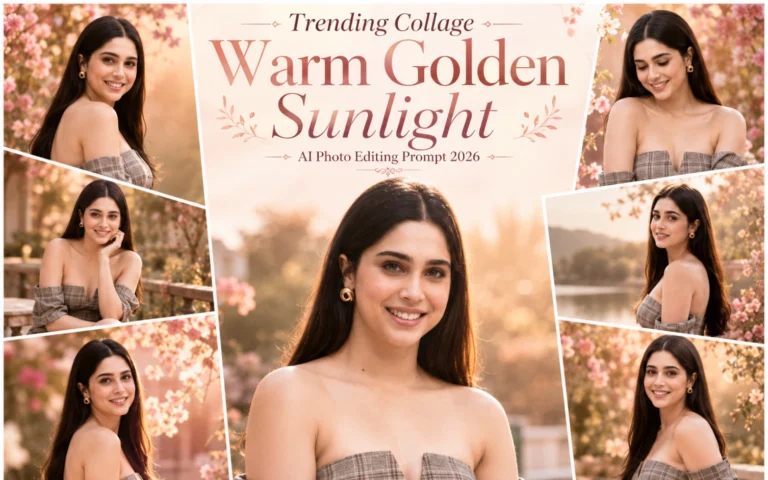
The popularity of AI-generated fantasy images has increased significantly due to advancements in AI image generation tools. Users now prefer creative and magical portraits that stand out from ordinary photographs. Also explore these prompts: Collage Warm Golden Sunlight AI Photo Editing Prompt
Rani Pari AI images are trending because they create a fairytale-like atmosphere that instantly grabs attention on social media platforms. Their combination of beauty, fantasy, and realism makes them highly shareable and visually appealing.
Reasons Behind the Trend:
How to Keep the Face Natural in Rani Pari AI Edits
Fantasy details should enhance the original portrait rather than completely change the person’s identity. Start with a clear, front-facing image and instruct the AI to preserve the natural facial structure, skin tone, eye shape, and expression.
Include phrases such as “realistic skin texture,” “accurate facial proportions,” “natural eyes,” and “soft beauty lighting.” Avoid combining extreme glow, oversized eyes, heavy makeup, and too many accessories in one prompt because these elements can make the portrait look artificial.
Generate several variations and select the result that keeps the face recognizable while still delivering the desired royal fairy appearance. For sharper final output, readers can also check Normal to 4K Ultra HD AI Photo Editing Prompts.
Best Rani Pari AI Photo Editing Prompts 2026
Royal Fairy Queen Prompt
Enchanted Forest Princess Prompt
Golden Fairy Kingdom Prompt
Moonlight Fairy Princess Prompt
Pink Fantasy Princess Prompt
Diamond Crown Fairy Queen Prompt
Royal Garden Princess Prompt
How to Use Rani Pari AI Prompts
Creating stunning Rani Pari AI images is simple when you use detailed and descriptive prompts. A well-written prompt helps the AI understand the desired outfit, background, lighting, and fantasy elements, resulting in more realistic and visually appealing images. The more specific your prompt is, the better the final image quality will be.
Steps to Follow:
Common Mistakes to Avoid
Many users do not get the desired results because their prompts lack important details or contain too many conflicting elements. Avoiding common mistakes can significantly improve the quality, realism, and overall appearance of your Rani Pari AI images.
Mistakes:
Tips for Better AI Images
To create more realistic and eye-catching Rani Pari AI images, you need to focus on clarity, detail, and balance in your prompts. Small improvements in wording can make a big difference in the final result, especially when working with fantasy and cinematic styles.
Tips:
Conclusion
Rani Pari AI Photo Editing Prompts are among the most popular fantasy AI trends of 2026. Their combination of royal elegance, magical fairy aesthetics, and realistic photography creates stunning visuals that attract attention across social media platforms.
By using detailed prompts, cinematic lighting, realistic textures, and fantasy backgrounds, you can easily generate breathtaking princess portraits that look professional and unique.
Start experimenting with these trending Rani Pari AI prompts today and create magical fairy queen images that stand out from the crowd.