
AI Edit Prompts – Viral ChatGPT & Gemini Prompts
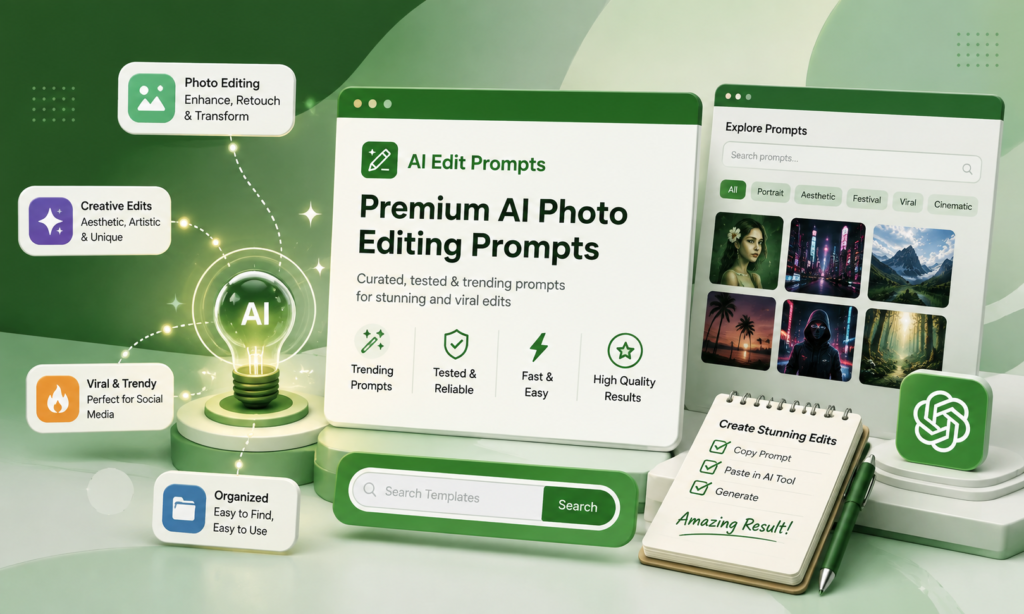
AI Edit Prompts gives creators free, tested AI photo editing prompts for ChatGPT & Gemini for trending edits, festival looks, and viral formats, updated weekly, no login required.
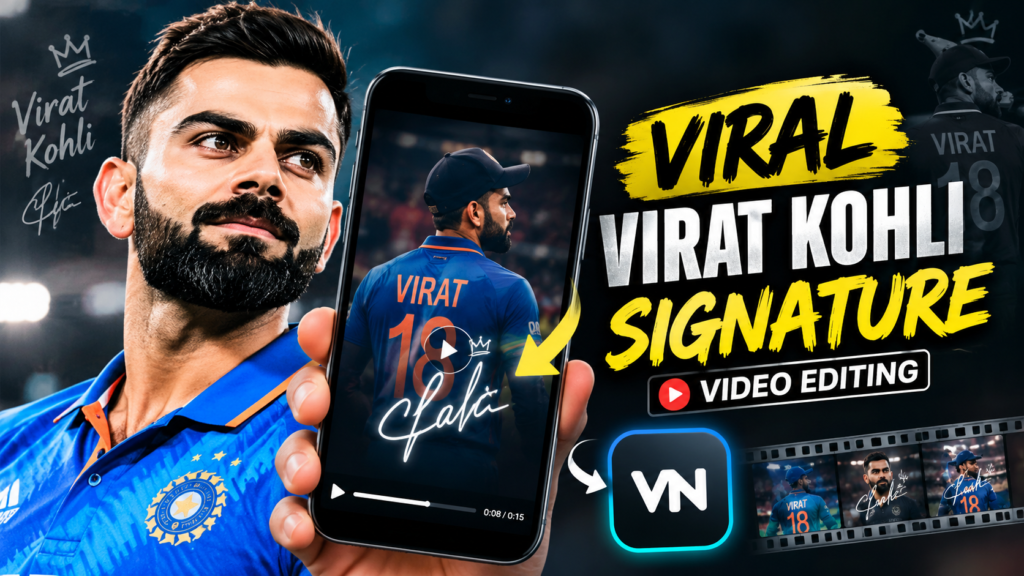
- Viral Virat Kohli Signature Video Editing: How to Create the Trend In 2026
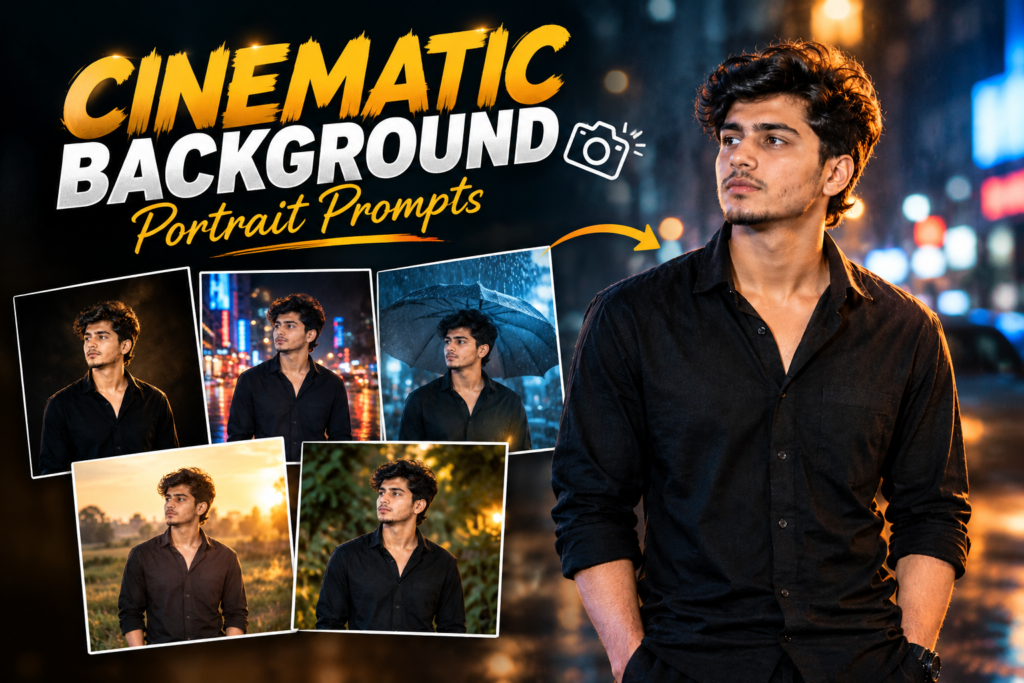
- Cinematic Background Portrait Prompts: Copy-Paste AI Photo Editing Ideas In 2026
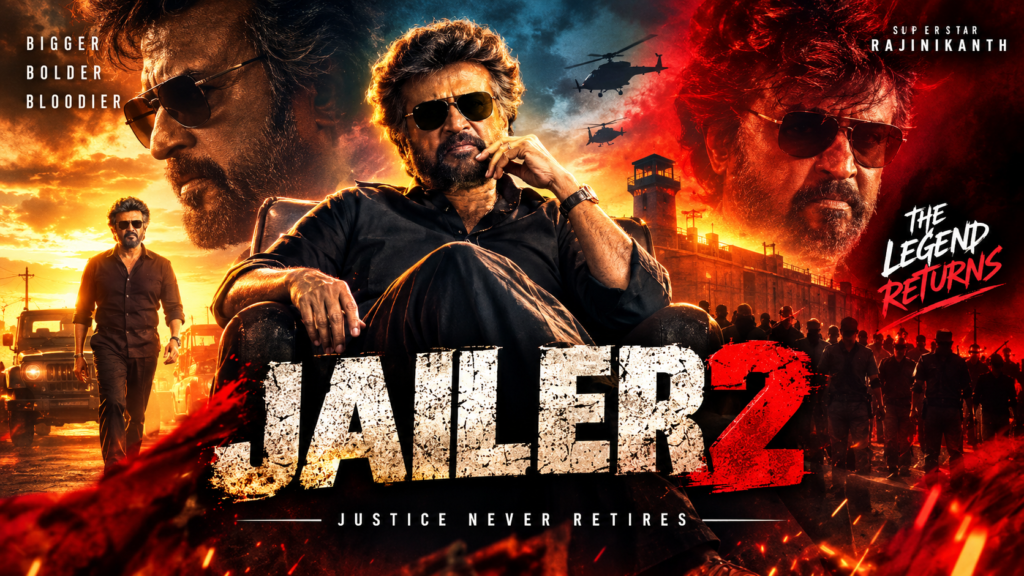
- Jailer 2 Movie Poster AI Photo Editing Prompt: Copy and Create Cinematic Photos
- Instagram Trending Money Template: Create Viral Money Reels With CapCut
- Aesthetic Couples Eyes Photo Prompts: Romantic AI Photo Ideas
- Romantic Couple Photo Prompt: Copy and Paste AI Prompts for Beautiful Couple Pictures
- VN Template Code 2026: Trending VN Codes for Reels and Videos
- Instagram Viral Aura AI Video Editing Tutorial Create Trending AI Reels 2026
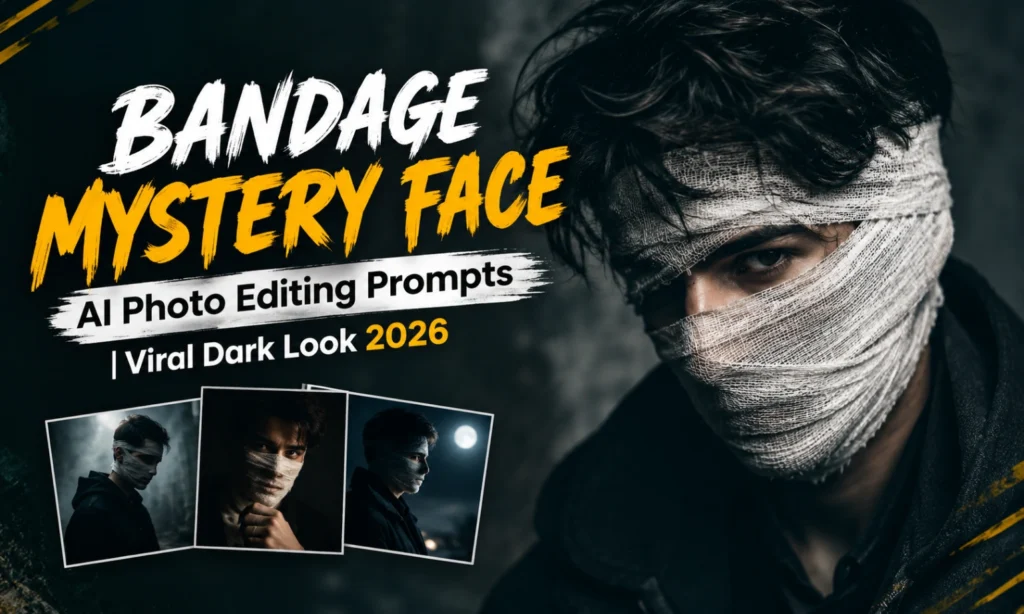
- Bandage Mystery Face AI Photo Editing Prompts | Viral Dark Look
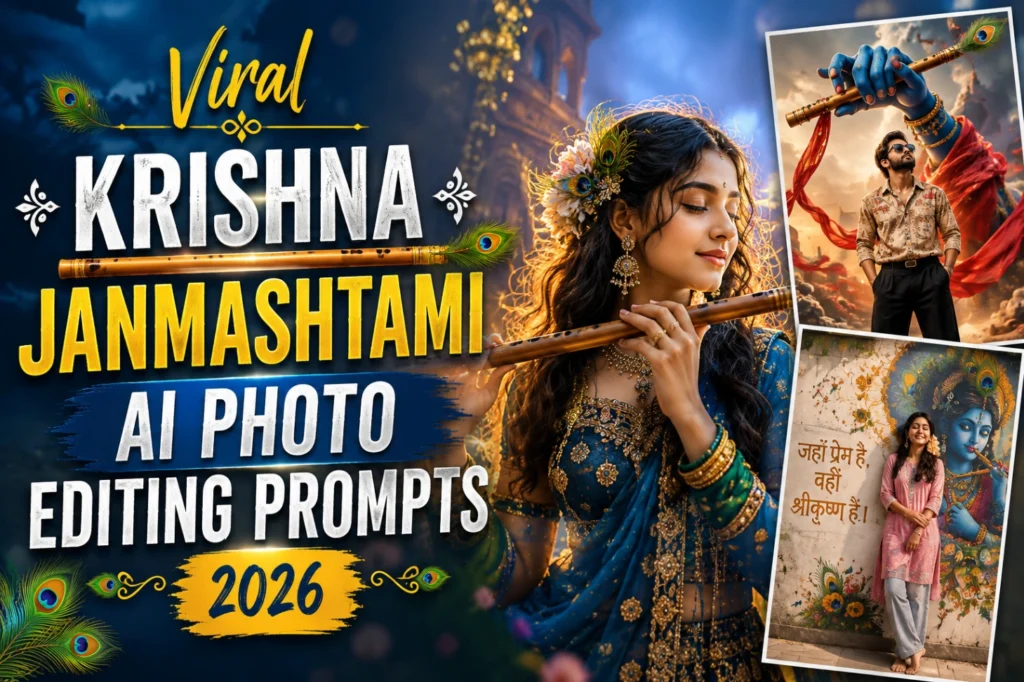
- Viral Krishna Janmashtami AI Photo Editing Prompts 2026
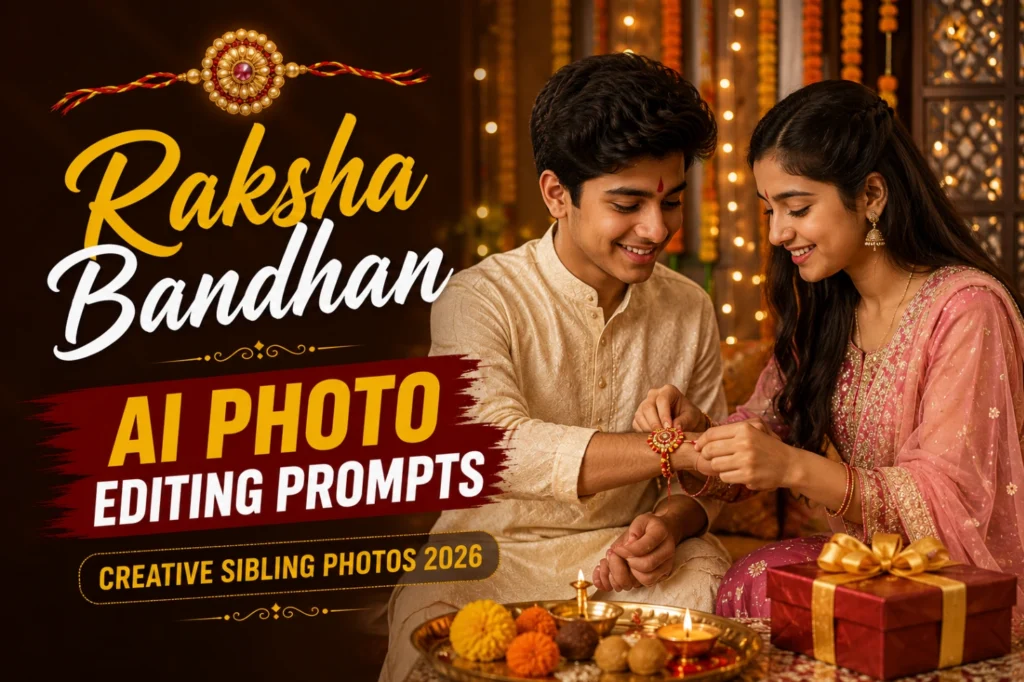
- Raksha Bandhan AI Photo Editing Prompts | Traditional Sibling Look
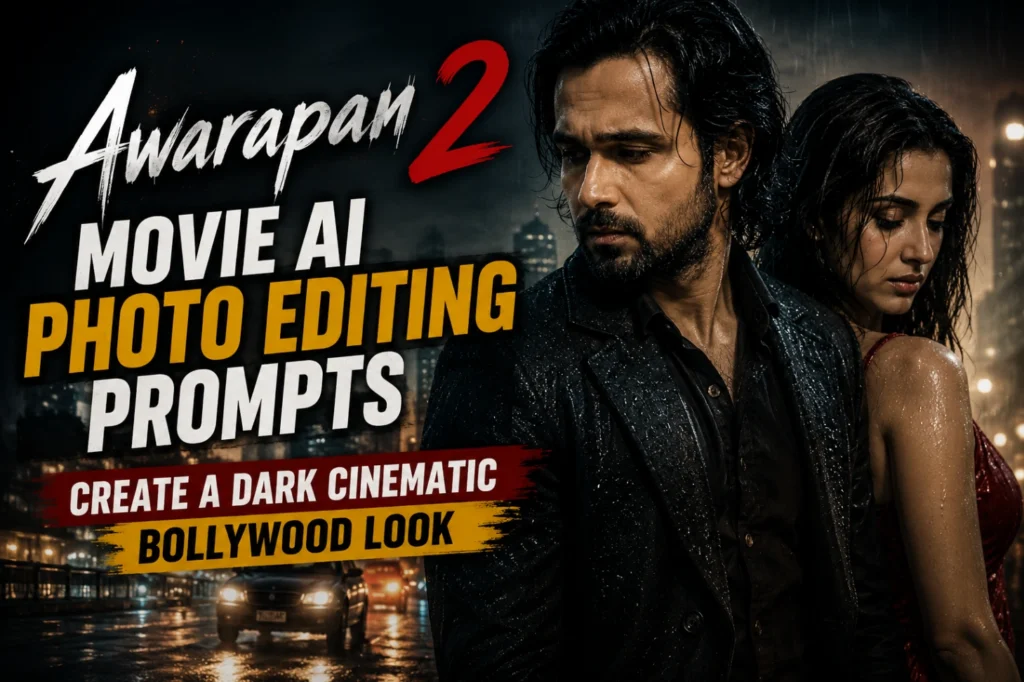
- Awarapan 2 Movie AI Photo Editing Prompts | Create a Dark Cinematic Bollywood Look
WHAT ARE AI EDIT PROMPTS
An AI photo editing prompt is simply a set of instructions you give to tools like ChatGPT or Gemini to change how your photo looks. You don’t need Photoshop, you don’t need editing courses, and you don’t need to spend hours on layers and masks. You just describe the result you want: a cinematic look, a festival theme, a viral Instagram style and the AI does the rest.
At AI Edit Prompts, we test these prompts ourselves before publishing them. Every prompt on this site has actually been tried on a real photo, checked for how it turns out on ChatGPT and Gemini, and written in a way that’s easy to copy and use right away.
Whether you’re editing a profile picture, a couple photo, a festival post, or trying out a trend before it fades away, you’ll find a ready prompt here instead of guessing what to type.
Explore AI Photo Editing Prompts by Category
AI photo editing can be used for much more than changing a background. You can create cinematic portraits, improve profile pictures, try festival looks, transform couple photos, experiment with fashion styles, and recreate popular social media trends.
At AI Edit Prompts, you can find prompts based on different photo editing needs. Each category makes it easier to find a prompt that matches the type of image you want to create.
Explore prompts for:
Choose a category, find a style you like, and copy the prompt to start editing your photo.
ChatGPT Photo Editing Prompts
ChatGPT can create and edit images from written instructions. You can upload an existing photo and describe the changes you want, such as changing the background, adjusting the style, adding visual elements, or creating a completely different look.
The quality of the instruction matters. A simple prompt can work for a basic edit, while more specific instructions can give you better control over the subject, composition, lighting, style, and elements that should remain unchanged.
Our ChatGPT photo editing prompts are written to make this process easier. Copy a prompt, upload your image in ChatGPT, paste the instructions, and check the generated result.
If the first result is not what you expected, you can make a small change to the prompt and try again.
Gemini AI Photo Editing Prompts
Gemini also supports image generation and editing using natural-language prompts. You can upload an existing image and ask Gemini to make specific changes to it.
For better control, your prompt can describe the subject, setting, action, composition, style, and the specific changes you want. Google also recommends giving detailed visual descriptions when creating or editing images.
Our Gemini prompts cover different types of photo edits, including viral styles, portraits, backgrounds, fashion edits, festival photos, cinematic looks, and other creative transformations.
Simply choose a prompt, copy it, upload your photo to Gemini, and follow the instructions.
How to Write Better AI Photo Editing Prompts
You don’t always need a very long prompt to get a useful result. What matters more is clearly explaining what you want the AI to create or change.
A useful photo editing prompt can include:
For example, instead of simply writing “make my photo cinematic,” you can describe the lighting, environment, composition, and overall visual style you want.
For edits, it is also useful to clearly state what should change and what should stay the same. OpenAI and Google both recommend specific instructions when working with image generation and
HOW AI Edit Prompts WORKS
WHY TRUST AI EDIT PROMPTS?
We’re not a random prompt-generator site. Every prompt published here is written and tested by someone who actually works with photo editing and understands how AI tools respond to different wording. A small change in phrasing can completely change your output, and we’ve spent hours figuring out what works, so you don’t have to. Check: 15 August Independence Day AI Prompt & Awarapan 2 Movie AI Photo Editing Prompts.
We keep this site updated with new trends, festivals and viral formats as they happen, and we remove or update prompts that stop working as AI models change. If you’re looking for prompts that are current and actually tested, that’s what you’ll find here.