Razz Suman Hypic Photo Editing Prompts for Viral Edits 2026
Simple photos can look more attractive when the background, lighting, and composition are edited carefully. Razz Suman Hypic Photo Editing Prompts are popular for creating cinematic portraits, natural landscapes, stylish profile pictures, and creative social media posts.
These prompts help Hypic understand the required location, lighting, colors, camera angle, and overall mood. With the right instructions, an ordinary portrait can be transformed into a mountain scene, flower garden, rainy street, sunset field, or peaceful village background. For more creative portrait styles, explore Best Portrait Photography AI Editing Prompts 2026.
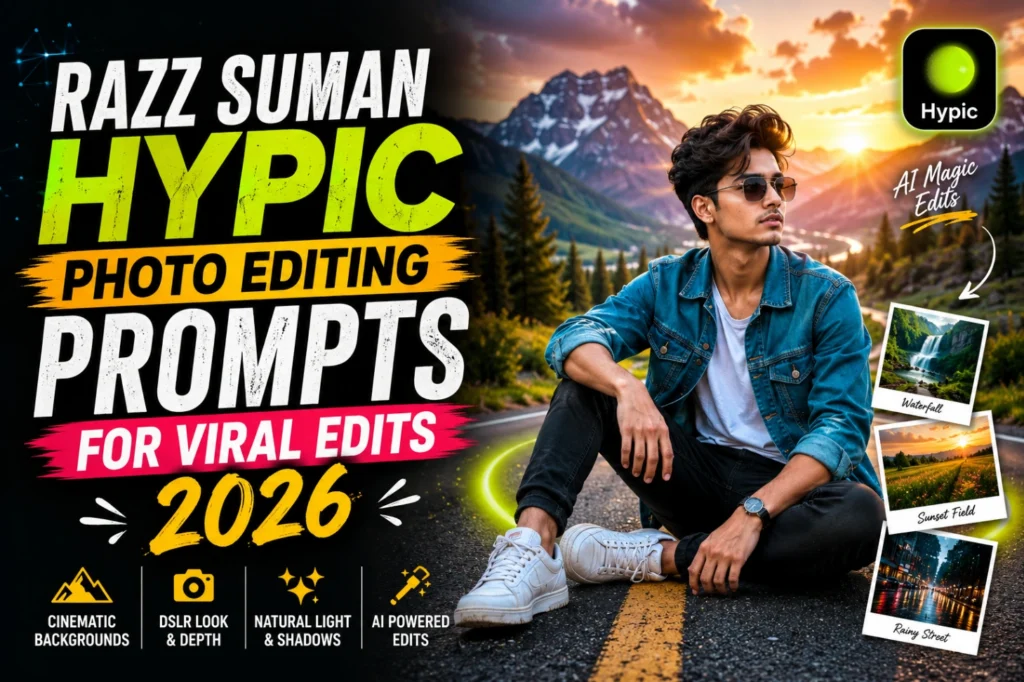
What Are Razz Suman Hypic Photo Editing Prompts?
Razz Suman Hypic Photo Editing Prompts are detailed instructions used to transform or expand photos inside the Hypic editing app. They describe how the background should look while keeping the original face, pose, hairstyle, clothes, and body shape unchanged.
These prompts commonly include:
The main goal is to create a balanced image where the new background blends naturally with the original portrait. A clear prompt also reduces common problems such as changed facial features, incorrect lighting, and unnatural body proportions.
Why Are Razz Suman Hypic Edits Trending in 2026?
Razz Suman-style photo edits are becoming popular because they make cinematic editing easier. A simple mobile portrait can be transformed into a professional-looking image without manually replacing every part of the background.
These edits are also suitable for Instagram posts, WhatsApp status images, profile pictures, reels covers, and mobile wallpapers. The expanded background creates extra space around the portrait, making the final image look wider and more visually appealing.
Another reason for their popularity is the range of styles available. The same portrait can be edited with a sunset field, mountain road, flower garden, rainy city, or peaceful countryside scene.
How to Create a Razz Suman Hypic Photo Edit
Start by selecting a clear portrait with visible facial features and natural lighting. Avoid blurry photos, extreme beauty filters, or images where important parts of the body are cropped.
Open the photo in Hypic and select the AI Expand, background, canvas, or crop tool available in your app version. Choose the required size, such as 9:16 for stories, 4:5 for portrait posts, or 1:1 for profile pictures.
Paste a detailed prompt into the prompt box and generate the image. Check the face, hands, clothes, footwear, ground, and background before saving the final result.
Best Photos for Razz Suman Hypic Editing
Clear full-body and half-body portraits usually give the best results. The editing tool can understand the pose, clothing, body position, and surrounding space more accurately when these details are visible.
Outdoor portraits are suitable for mountain roads, gardens, beaches, waterfalls, and countryside edits. Indoor portraits can also work when the light is soft and the background is simple.
Avoid crowded backgrounds with furniture, mirrors, vehicles, or several objects placed close to the body. A simple original background gives Hypic more space to create a clean and realistic scene. For travel inspired backgrounds, explore Trending Travel Photo Editing Prompts 2026.
Best Razz Suman Hypic Photo Editing Prompts
Cinematic Mountain Road Prompt
Waterfall Valley Prompt
Golden Sunset Field Prompt
Rainy Street Prompt
Flower Garden Girl Prompt
Common Issues in Razz Suman Hypic Photo Editing
| Issue | Problem | Solution |
|---|---|---|
| Changed facial features | Blurry/low-quality image | Use clear photo + “preserve exact face identity” |
| Floating feet issue | Ground not connected properly | Add natural ground + realistic shadows |
| Cropped body problem | Full body not visible | Use full-body images for best results |
Tips for Better Razz Suman Hypic Edits
Conclusion
Razz Suman Hypic Photo Editing Prompts can transform simple portraits into cinematic mountain scenes, flower gardens, sunset fields, rainy streets, village landscapes, and glowing city photos. The best results come from clear original images, realistic background descriptions, balanced colors, and accurate lighting instructions.
A successful Hypic prompt should also protect the original face, pose, hairstyle, clothes, and body proportions. Start with one of the prompts above and adjust the location, weather, and mood according to your photo.
With a clear prompt and a good-quality portrait, Hypic can create professional-looking edits for profile pictures, social media posts, wallpapers, and creative photo collections.