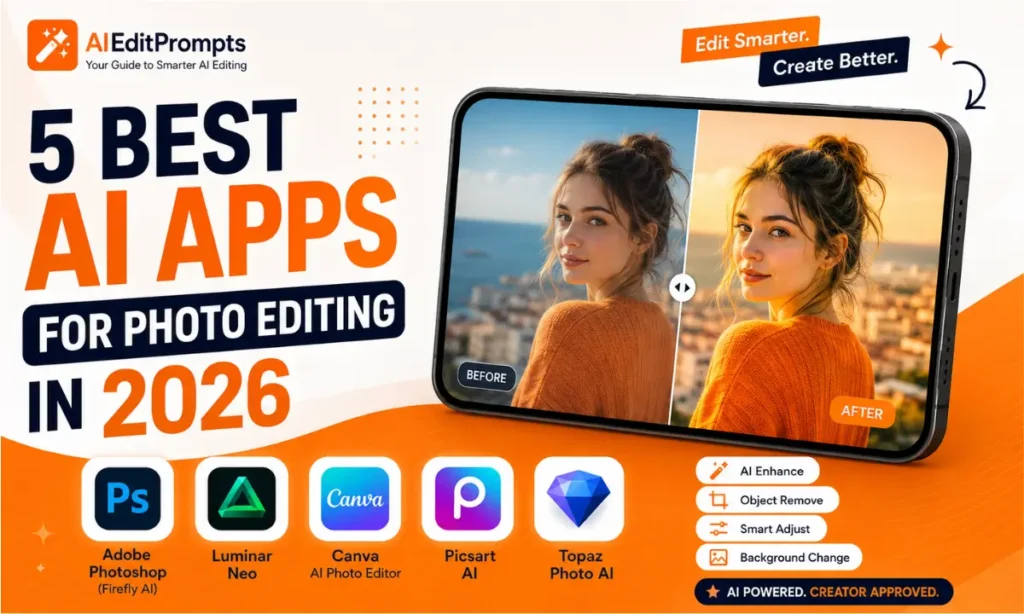
5 Best AI Apps for Photo Editing in 2026
AI photo editing has become faster, smarter, and more creative than ever. The 5 best AI apps for photo editing in 2026 can remove backgrounds, erase unwanted objects, improve portraits, upscale blurry photos, and even edit images using simple text prompts.
Whether you’re a content creator, photographer, or casual social media user, today’s AI editors can save hours of manual work while delivering professional-looking results.
Instead of learning complicated editing software, you can now describe the edit you want, and AI does most of the work. Also check: Ai Edit Prompts & Luxury Red Background AI Portrait.
What Makes an AI Photo Editing App Great?
The best AI photo editing apps do more than apply filters. They understand your image and intelligently edit it while preserving natural details.
Look for features such as:
These features help beginners achieve professional results without advanced editing skills.
Why AI Photo Editing Matters in 2026
AI editing has evolved far beyond automatic filters. Modern AI models can understand natural language instructions such as:
“Remove the people behind me, replace the sky with a sunset, brighten my face naturally, and keep the original lighting.”
Instead of making dozens of manual adjustments, AI performs multiple edits simultaneously. This is especially useful for:
The 5 Best AI Apps for Photo Editing in 2026
1. Adobe Photoshop (Firefly AI)
Best for: Professional editing
Photoshop remains the industry leader thanks to Adobe Firefly AI. Top features include:
Pros
Cons
2. Luminar Neo
Best for: Landscape and portrait photography
Luminar Neo focuses on intelligent editing without requiring Photoshop-level knowledge. Popular AI tools include:
Its interface is much easier for beginners while still producing impressive results.
3. Canva AI Photo Editor
Best for: Social media creators
Canva has become much more than a graphic design platform. Its AI editor now includes:
It is perfect for quickly creating Instagram posts, YouTube thumbnails, Pinterest pins, and Facebook ads.
4. Picsart AI
Best for: Mobile editing
Picsart offers one of the easiest AI editing experiences on Android and iPhone. Useful features include:
Creators who mainly edit on their phones will appreciate its speed and simplicity.
5. Topaz Photo AI
Best for: Restoring old or blurry photos
Topaz specializes in image quality improvement. It excels at:
If your photos suffer from poor lighting or low resolution, Topaz delivers excellent results.
Which AI Photo Editing App Should You Choose?
| If You Want… | Best Choice |
|---|---|
| Professional editing | Adobe Photoshop |
| Beginner-friendly editing | Luminar Neo |
| Social media graphics | Canva AI |
| Mobile editing | Picsart |
| Restore blurry photos | Topaz Photo AI |
Build Better AI Photo Editing Prompts
Most AI editors work better when your prompt is detailed. A strong prompt should include:
Example:
“Enhance this portrait with soft golden-hour lighting, smooth skin naturally, remove background distractions, increase sharpness, preserve facial details, and create a cinematic color grade.”
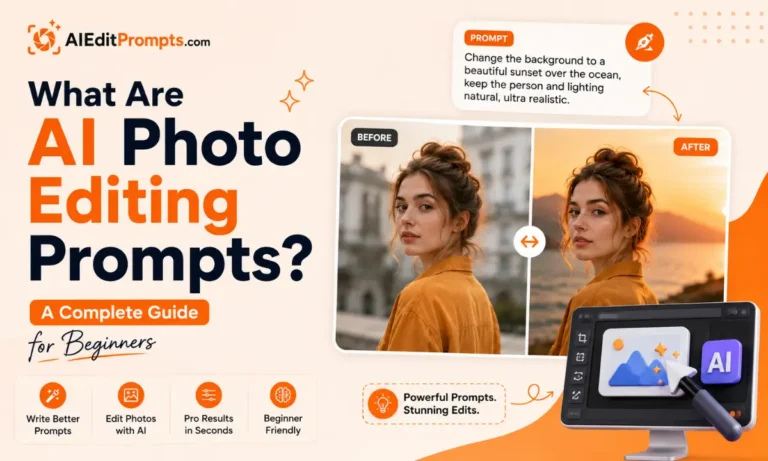
Also check: What Are AI Photo Editing Prompts
7 AI Photo Editing Prompt Ideas
Natural Portrait Enhancement
“Improve skin naturally, brighten eyes, preserve freckles, and add soft studio lighting.”
Cinematic Color Grading
“Apply teal and orange cinematic tones with dramatic contrast and realistic shadows.”
Product Photography
“Remove background, add a clean white backdrop, improve reflections, and sharpen product details.”
Vintage Film Look
“Create a Kodak Portra-inspired film style with soft grain and warm colors.”
Travel Photo Upgrade
“Replace cloudy skies with a vibrant sunset while maintaining realistic lighting.”
Luxury Fashion Style
“Enhance clothing texture, improve lighting, and create a premium editorial appearance.”
Social Media Ready
“Brighten the image, improve colors, remove distractions, and optimize for Instagram.”
Practical Tips for Better AI Photo Editing
Conclusion
The 5 best AI apps for photo editing in 2026 make professional-quality editing accessible to everyone. Adobe Photoshop remains the top choice for advanced users, while Luminar Neo offers an excellent balance of power and simplicity. Canva AI and Picsart are ideal for quick social media edits, and Topaz Photo AI is unmatched for restoring low-quality images.
Choose the app that matches your workflow, write clear prompts, and combine multiple AI tools when needed to achieve the best results.