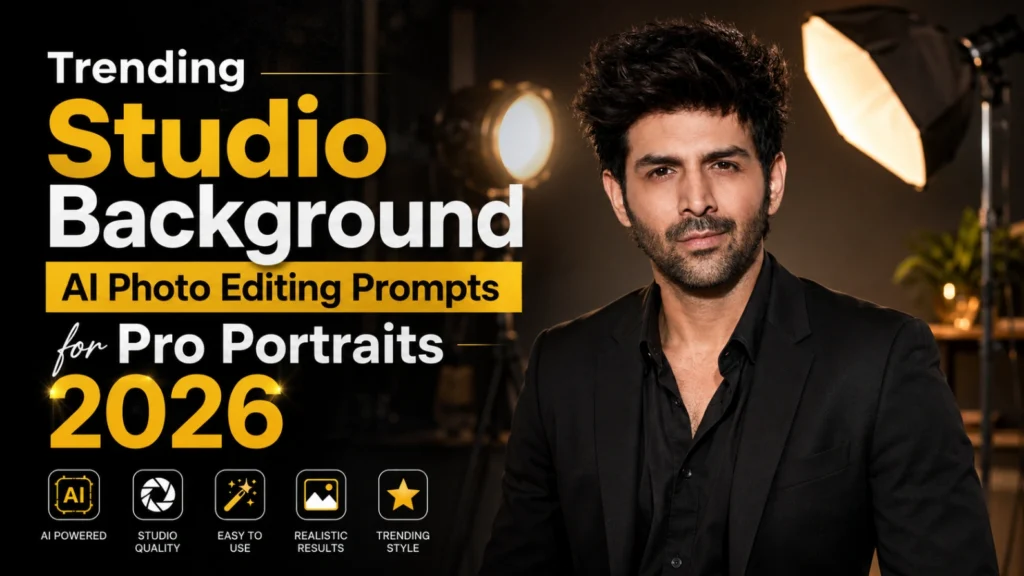
Trending Studio Background AI Photo Editing Prompts for Pro Portraits 2026
Trending Studio Background AI Photo Editing Prompts help turn simple portraits into polished images with a realistic virtual studio setup. Instead of keeping a distracting wall or uneven room lighting, you can create a seamless backdrop, balanced shadows, softbox illumination, and clean professional framing around the subject.
These AI portrait editing prompts work well for corporate headshots, fashion photography, personal-branding images, social media profile photos, and magazine-style portraits. You can adjust the background color, rim lighting, camera angle, outfit, facial focus, and color grading while keeping the result natural. For clearer facial details and improved image resolution, try Normal to 4K Ultra HD AI Photo Editing Prompts
This guide includes studio portrait prompts for white, grey, colorful, luxury, and dark cinematic backgrounds. You’ll also learn how to use AI background replacement, match the subject with professional studio lighting, prevent common editing errors, and create realistic photography effects without expensive equipment.
What is Studio Background AI Photo Editing?
Studio Background AI Photo Editing is a modern AI-powered technique that transforms regular photos into professional studio portraits. Instead of visiting a photography studio, users simply upload their image and use detailed prompts to generate realistic backgrounds, advanced lighting effects, and premium-quality photography styles.
AI tools can create:
The result is a realistic studio-quality image created entirely by artificial intelligence.
Why Are Studio Background AI Photos Trending
Studio Background AI photos have become one of the biggest photo editing trends in 2026 because they allow anyone to create professional-looking portraits without visiting an actual photography studio. With the help of advanced AI tools, users can transform ordinary selfies into stunning studio-quality images featuring realistic lighting, premium backgrounds, and high-end photography effects.
Several factors have contributed to the massive popularity of studio-style AI portraits:
Best Studio Background AI Photo Editing Prompts
Luxury Professional Studio Portrait
Modern White Studio Background
Cinematic Black Studio Portrait
Golden Light Studio Setup
Corporate Business Headshot
Fashion Magazine Studio Portrait
How to Use Studio Background AI Prompts
Using these prompts is extremely simple:
You can also customize clothing, lighting, colors, and backgrounds according to your preferences.
Best AI Tools for AI-Editing Photos
AI tools now make it very easy to create professional studio-style portraits by enhancing backgrounds, improving lighting, and upgrading image quality without needing advanced editing skills.
Also try: Moody Aesthetic AI Photo Editing Prompts
Best AI Tools for AI-Editing Photos:
Common Mistakes to Avoid
Many beginners do not get the desired results because of these common mistakes:
Avoiding these mistakes will significantly improve your AI-generated portraits.
Tips for Better Studio AI Photos
For the most realistic results:
The more detailed your prompt is, the better the AI understands your vision and creates professional-quality images.
Keep the Subject and Background Depth Consistent
A convincing AI studio portrait needs proper depth between the subject and the virtual studio background. Ask the AI to create a soft floor shadow, realistic background blur, accurate edge separation, and natural light falloff around the hair and shoulders. Avoid an overly sharp backdrop when the face is photographed with shallow depth of field. Matching the seamless studio backdrop, camera focus, and portrait lighting will make the final studio background replacement look more realistic.
Conclusion
Trending Studio Background AI Photo Editing Prompts 2026 are revolutionizing digital photography by allowing anyone to create professional studio portraits without expensive equipment or photography experience. Whether you need a stunning social media profile picture, a professional business headshot, or a fashion-inspired portrait, these AI prompts can help you achieve impressive results within seconds.
As AI image generation technology continues to improve, studio-style photo editing will become even more realistic, making professional-quality photography accessible to everyone.