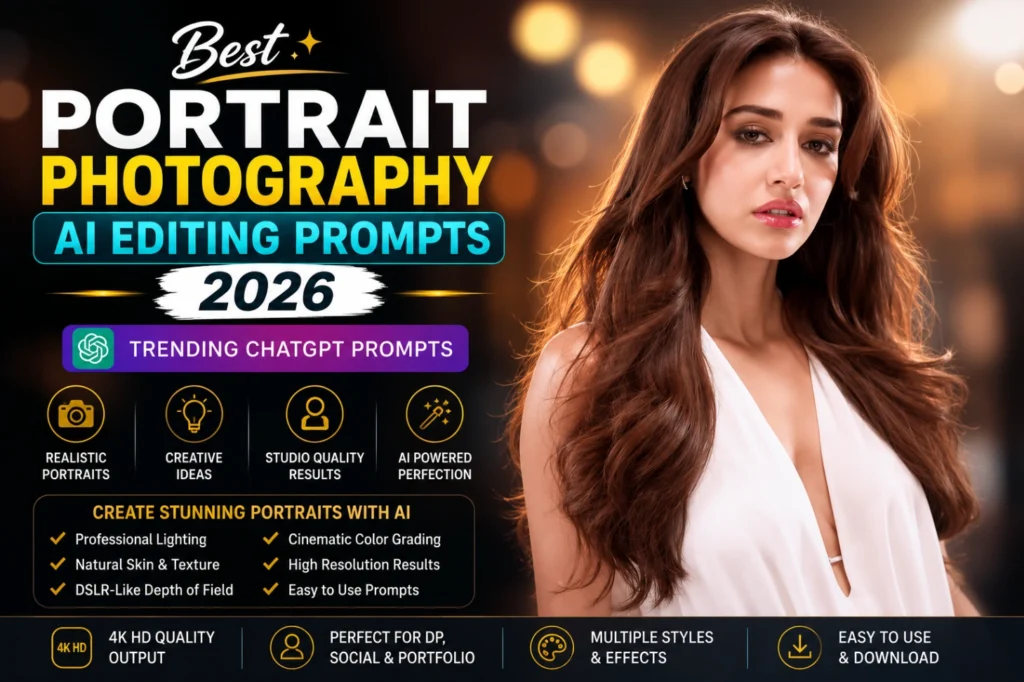
Best Portrait Photography AI Editing Prompts | Trending ChatGPT Ideas 2026
A strong portrait depends on more than a sharp face. Expression, posture, light direction, camera perspective, background separation, and colour treatment all work together to reveal personality and mood.
Portrait Photography AI Editing Prompts bring these photography decisions into one detailed instruction. A normal image can be developed into a formal business headshot, soft window-light portrait, golden-hour photograph, luxury fashion editorial, monochrome composition, or modern urban shot.
Instead of requesting only a “professional portrait,” mention the facial expression, clothing, crop, lens type, lighting setup, backdrop, depth of field, and desired finish. These details give ChatGPT and other AI image generators a clearer understanding of the intended photography style.
The portrait prompt ideas on this page provide a practical foundation for personal branding photos, profile pictures, portfolios, website graphics, marketing visuals, and polished editorial images.
How Does AI Portrait Photography Editing Work?
Portrait Photography AI Editing is the process of using artificial intelligence tools to create or enhance portrait images through detailed text prompts. Instead of manually adjusting lighting, background blur, skin tones, and camera settings, users can simply describe their desired portrait, and the AI generates a professional result.
Modern AI image generators can simulate:
Why AI Portrait Photography Is Growing in 2026?
Portrait photography AI editing has become increasingly popular because it allows anyone to create professional-looking portraits without expensive cameras, studios, or advanced editing skills. Modern AI tools can enhance lighting, improve skin tones, add artistic effects, and create stunning backgrounds within seconds. As social media, personal branding, and digital content creation continue to grow, more people are using AI-powered portrait editing to produce high-quality and visually appealing images quickly and affordably.
When the portrait is intended for a social display image, Instagram Profile Picture AI Photo Editing Prompts provides useful ideas for square framing, facial positioning, background control, and profile-focused composition.
The popularity of AI portrait editing continues to grow because it offers several advantages:
Many creators now use AI-generated portraits for Instagram profiles, YouTube thumbnails, business branding, websites, and digital portfolios.
Details That Shape a Strong AI Portrait Prompt
A well-written portrait photography prompt helps AI generate realistic, professional, and visually stunning portraits. The more details you include about the subject, lighting, background, and photography style, the better the final image will be. A strong prompt gives the AI clear instructions and improves the overall quality of the portrait.
Separate Camera Instructions From Facial Retouching
Camera settings and facial enhancement serve different purposes, so placing them in separate parts of the prompt gives the AI clearer direction.
Begin with the photography setup:
After that, describe the retouching limits:
Best Portrait Photography AI Editing Prompts
Professional Business Portrait
Golden Hour Outdoor Portrait
Luxury Fashion Portrait
Artistic Black and White Portrait
Natural Window Light Portrait
Creative Urban Portrait
Social Media Influencer Portrait
Celebrity-Inspired Portrait
How AI Is Changing Portrait Photography Workflows?
Artificial Intelligence is changing portrait photography faster than ever before. What once required expensive cameras, professional photographers, studio lighting, and advanced editing software can now be achieved with a detailed AI prompt.
AI tools can generate realistic portraits within seconds while automatically handling lighting, skin enhancement, depth of field, color grading, and background design. This technology allows beginners and professionals alike to create high-quality portraits without extensive photography experience.
In 2026, AI portrait photography is being used for:
As AI technology continues to improve, portrait images are becoming more realistic, creative, and accessible to everyone.
Best AI Tools for Portrait Photography Editing
AI tools have made portrait photography editing faster, easier, and more creative than ever before. In 2026, these tools will allow users to generate professional-quality portraits without needing expensive cameras or advanced editing skills. With the help of AI platforms, you can create realistic lighting, detailed facial features, and studio-level effects just by writing a simple and well-structured prompt.
Several AI platforms can generate impressive portrait photographs:
Ways to Improve Portrait Accuracy and Realism
To get the best results from portrait photography AI prompts, you need to write clear, detailed, and well-structured descriptions that guide the AI properly. Instead of using short or vague ideas, include complete information about the subject, lighting, background, camera style, and mood so the AI can generate more realistic and professional-looking portraits. The more specific and descriptive your prompt is, the better and more accurate your final image will be.
Tips and Tricks:
The more descriptive your prompt becomes, the more professional and realistic the final portrait will appear.
Common Errors to Avoid in AI Portrait Prompts
Many users don’t get good results from AI portrait photography because they make small but important mistakes in their prompts. Most of these issues come from being too vague, overloading the prompt with mixed styles, or forgetting key photography details like lighting and camera settings. Avoiding these mistakes can instantly improve the quality, realism, and professionalism of your AI-generated portraits.
Below are some common errors to avoid:
When the original image contains blur, noise, soft facial details, or weak resolution, use Normal to 4K Ultra HD Gemini Photo Editing Prompts for sharpening, colour correction, identity preservation, and natural texture enhancement.
Conclusion
Portrait Photography AI Editing has become one of the most powerful creative trends in 2026. With the right ChatGPT prompts, anyone can create professional-quality portraits that look like they were captured by experienced photographers.
By combining detailed subject descriptions, realistic lighting, camera settings, and high-quality photography keywords, you can generate stunning AI portraits for personal branding, social media, marketing, or creative projects.
Experiment with the prompts in this guide, customize them to match your style, and discover how AI can transform ordinary portraits into extraordinary visual masterpieces.