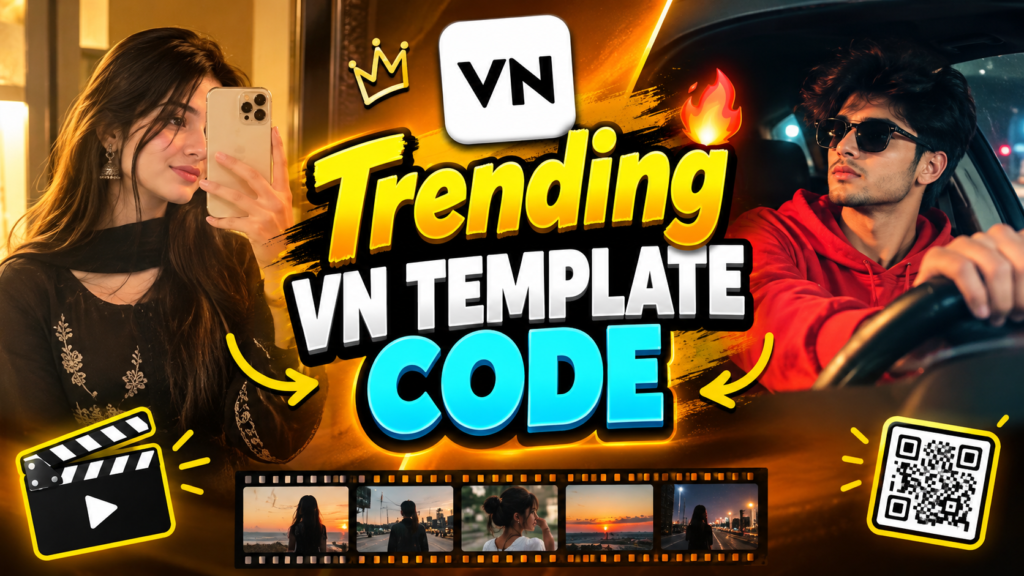
VN Template Code 2026: Trending VN Codes for Reels and Videos
Have you ever watched an Instagram Reel and wondered how someone made those smooth transitions, beat-sync effects and stylish photo edits? You might think it takes hours of editing, but a VN template can make the process much easier.
With a VN Template Code, you can open a shared editing template in the VN Video Editor app, add your own photos or clips and create a video without building every effect from scratch. It is useful for Instagram Reels, YouTube Shorts, birthday videos, couple edits, travel memories and aesthetic photo videos.
In this guide, you will learn what VN codes are, how to find trending templates, how to scan a code and what to do when a template does not open.
What Is a VN Template Code?
A VN Template Code is a way to access a video editing template shared through the VN app. The template may include transitions, clip timing, text styles, effects and other editing settings. Instead of creating the complete edit yourself, you can start with the existing project and add your own content.
For example, imagine you have eight photos from a trip with your friends. You find a travel template with quick cuts and music-synced transitions. After opening the template in VN, you replace its sample clips with your photos and adjust the result to match your style.
This saves time, especially if you are new to video editing. However, the exact editing options depend on how the creator has set up the template.
How to Use a VN Template Code
If you have found a VN code and want to use it, follow these steps. The exact options may look different depending on your VN app version.
Step 1: Open VN Video Editor
Install VN Video Editor from your device’s official app store if you have not already done so. Open the app and check that you have a working internet connection.
Step 2: Find the Template Code
Get the VN code or QR code from the original template creator. Make sure the post includes an actual code or a working template link rather than just a preview of the finished video.
Step 3: Scan or Import the Code
Look for the scanner or QR option in VN. If the app supports importing a saved code image, select it from your phone’s gallery. Otherwise, display the code on another device and scan it.
Follow the instructions that appear on your screen to open the template.
Step 4: Add Your Photos or Clips
Once the template opens, select your own photos or videos for the available media slots. Choose images that fit the template’s style and timing.
For a travel edit, you could use landscape pictures and short clips. For a birthday video, choose memorable pictures and clips featuring the person you are celebrating.
Step 5: Edit and Preview Your Video
Check the text, clip order, transitions and music. Some templates allow you to change several elements, while others offer fewer editing options.
Watch the video from beginning to end before exporting it. This helps you catch misplaced photos, incorrect text or transitions that do not look right.
Step 6: Export and Share
Choose an appropriate resolution and frame rate, then export your video. Once it has been saved, you can share it on Instagram, TikTok, YouTube Shorts or another platform.
Trending VN Template Styles With AI Prompts
These styles can help you choose the right direction for your next video. You can also explore Bandage Mystery Face AI Photo Editing Prompts to create unique portraits with bandage effects, mysterious facial looks and dramatic visual styles. Copy a prompt into a suitable AI photo editing tool to generate your desired look, or use it as a guide when creating the edit manually in VN.
1. VN Beat Sync Template
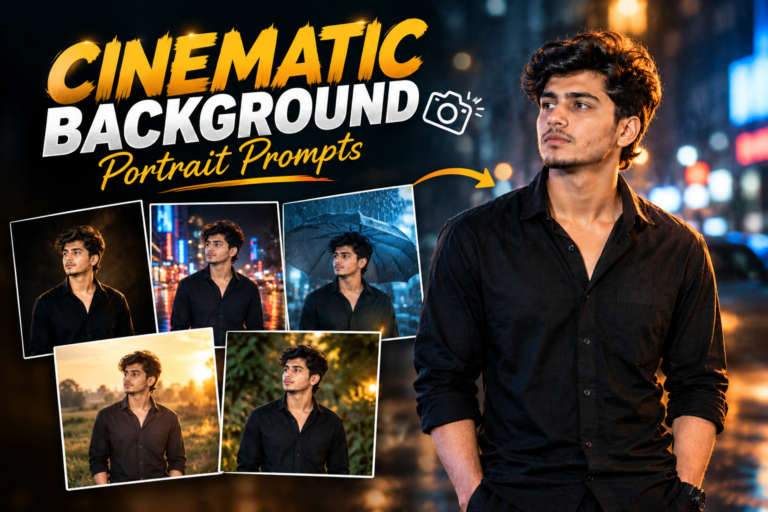
2. VN Cinematic Photo Template
3. VN Birthday Template
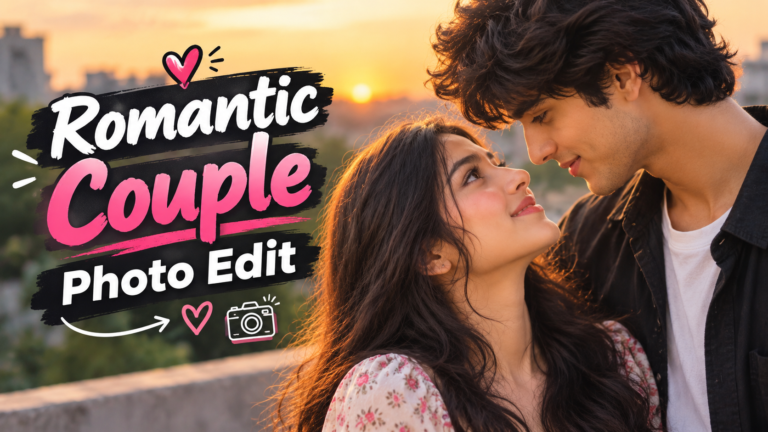
4. VN Couple Template
5. VN Attitude Template
How to Get Better Results From These AI Prompts
You can use these prompts in a compatible AI video or photo-editing tool, depending on the features it supports. Upload your own image or clip when the tool allows it, then paste the prompt into the instruction field.
For better results, keep these tips in mind:
- Use clear, high-quality photos or clips.
- Mention the video format, such as vertical 9:16, when making content for Reels.
- Explain the style you want, such as cinematic, birthday, romantic or beat-sync.
- Ask the tool to preserve the person’s original appearance if that matters to your edit.
- Review the output because AI tools may not follow every instruction perfectly.
If your goal is to use an actual VN Template Code, you still need a working code or template link. The AI prompt helps you plan or generate a similar style; it does not automatically create a valid VN code.
Why Is My VN Template Code Not Working?
The QR code is blurry: Find a clearer version of the original image and scan it again.
The template is unavailable: The creator may have removed it or its sharing link may have expired. Try another recent template.
VN needs an update: Check your official app store for an available update.
The download fails: Check your internet connection and retry.
The template has limited editing options: Some creators restrict which parts of a template can be changed. Try another template if you need more flexibility.
Avoid installing unknown apps or sharing personal details just to access a template.
Is VN Template Code Free?
Some templates are available for free through the app or are shared by creators without charge. Other creators or websites may offer paid templates.
Check the access terms before paying. Be cautious of services that promise guaranteed viral views or require you to download unknown files.
Final Thoughts
A VN Template Code can help you create stylish Reels, birthday videos, cinematic edits and personal montages without starting from a blank project. You can also explore Trending Beautiful Couple Photo Editing Prompts to create romantic couple photos with beautiful backgrounds, matching outfits and attractive visual effects.
Choose a style that fits your photos, use the matching prompt when helpful, and preview the video before exporting it. With a little practice, you can make your edits feel more personal while keeping the process simple.