Awarapan 2 Movie AI Photo Editing Prompts | Create a Dark Cinematic Bollywood Look
What if an ordinary portrait could carry the same dark, emotional energy as a Bollywood movie scene?
That is the idea behind Awarapan 2 Movie AI Photo Editing Prompts. The film brings back the emotional world of Shivam with a mix of action, romance, pain, and redemption, making its visual style a natural source of inspiration for cinematic AI photo edits. Awarapan 2 was released in cinemas on August 14, 2026, with Emraan Hashmi returning as Shivam alongside Disha Patani and Shabana Azmi.
These AI photo editing ideas are inspired by the movie’s dark atmosphere, intense expressions, dramatic locations, and emotional storytelling. You can use them to turn a simple portrait into a moody Bollywood-style photograph without making the final image look overly artificial.
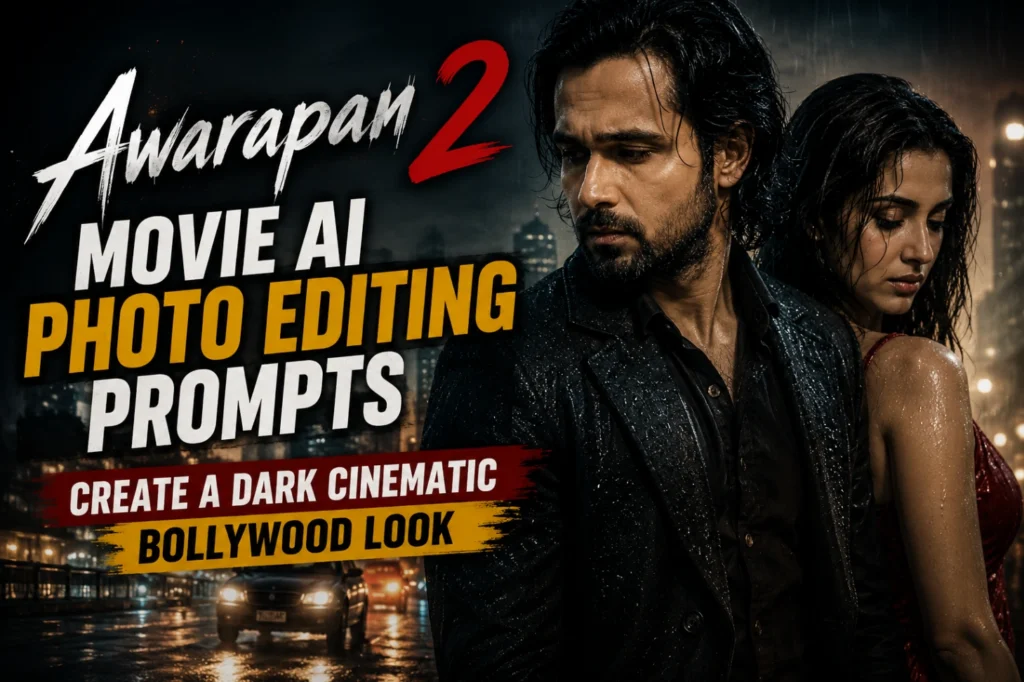
Why Awarapan 2 AI Photo Edits Are Popular in 2026?
Awarapan 2 has brought a familiar cinematic mood back into the spotlight in 2026. The combination of action, romance, emotional conflict, and darker visuals gives photo editors plenty of creative directions to explore. The official teaser and promotional material also helped establish a strong visual identity around Shivam’s return.
This makes Awarapan 2 photo editing especially suitable for cinematic portraits, Instagram posts, dramatic profile pictures, and Bollywood-inspired photography. Instead of simply adding a movie filter, AI can rebuild the atmosphere around an existing photograph.
What Makes the Awarapan 2 Photo Style Different?
The visual mood associated with Awarapan 2 is not based on bright colors or complicated effects. It leans more toward darker tones, emotional expressions, dramatic lighting, strong shadows, and a serious cinematic atmosphere.
That gives you plenty of room to experiment with your own photograph. A regular outdoor portrait can become a rainy street scene, a dark action frame, a lonely night portrait, or a romantic cinematic composition while keeping the original facial appearance intact.
If you enjoy cinematic portrait edits, you can also explore Instagram Profile Picture AI Photo Editing Prompts for more creative ideas.
Awarapan 2 Movie AI Photo Editing Prompts
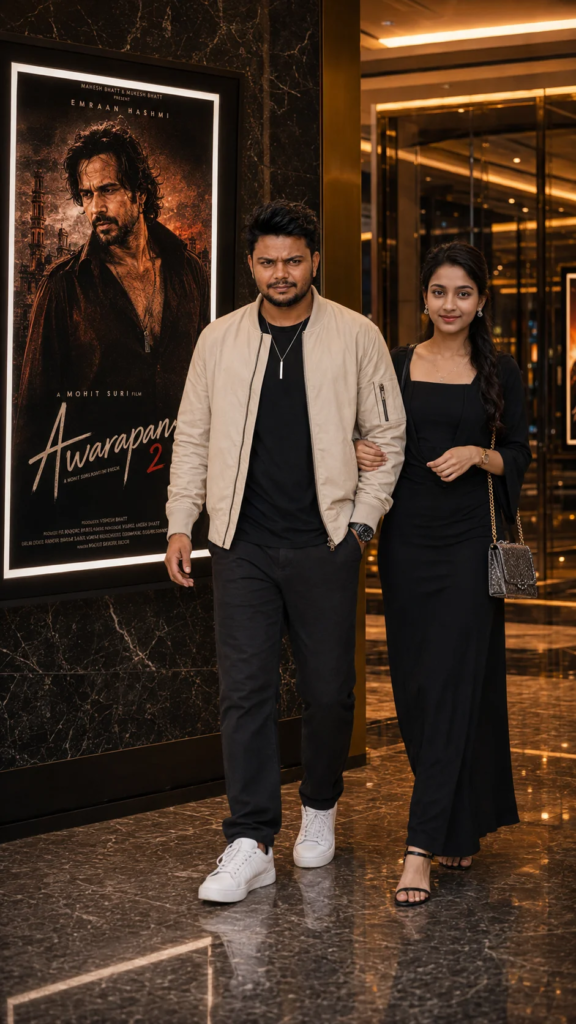
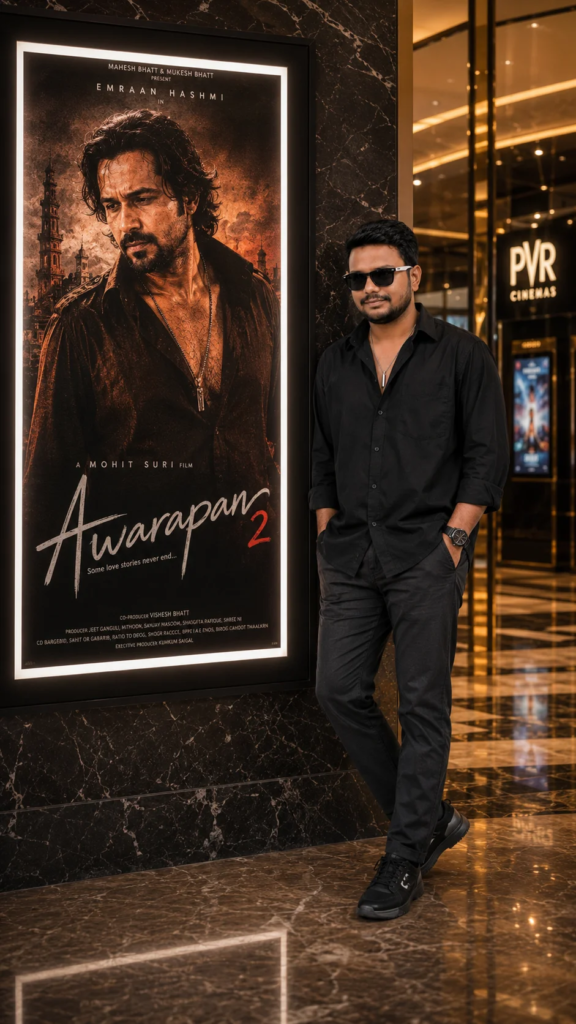
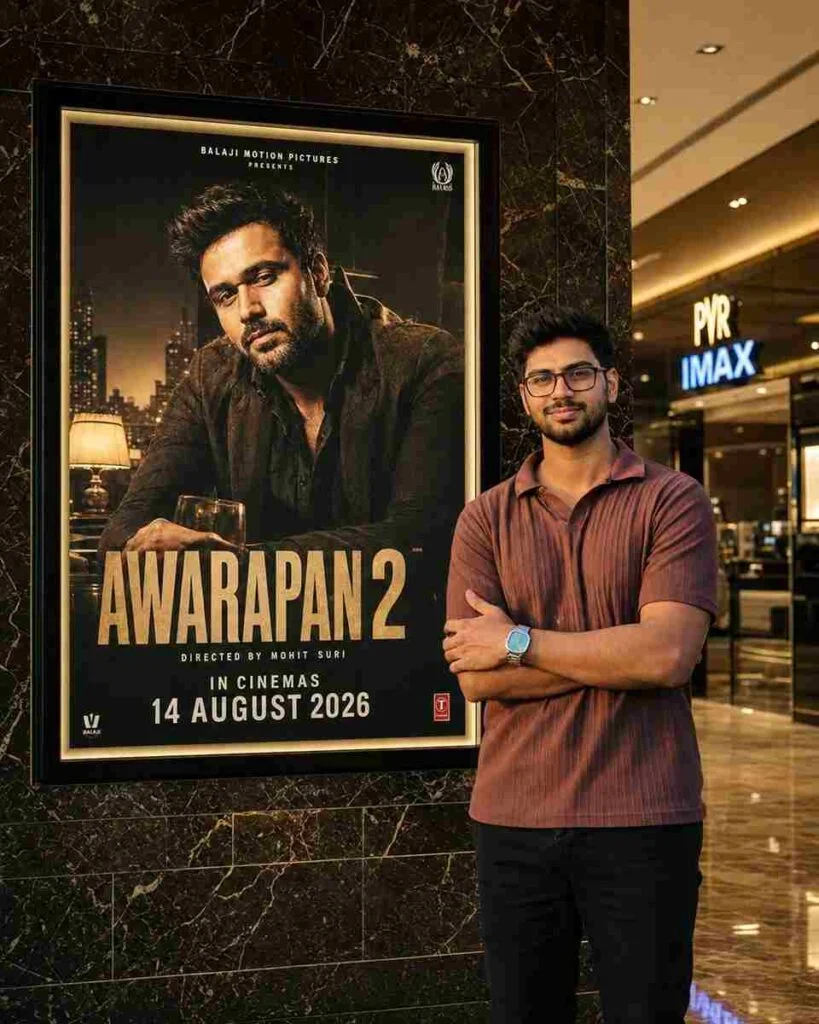
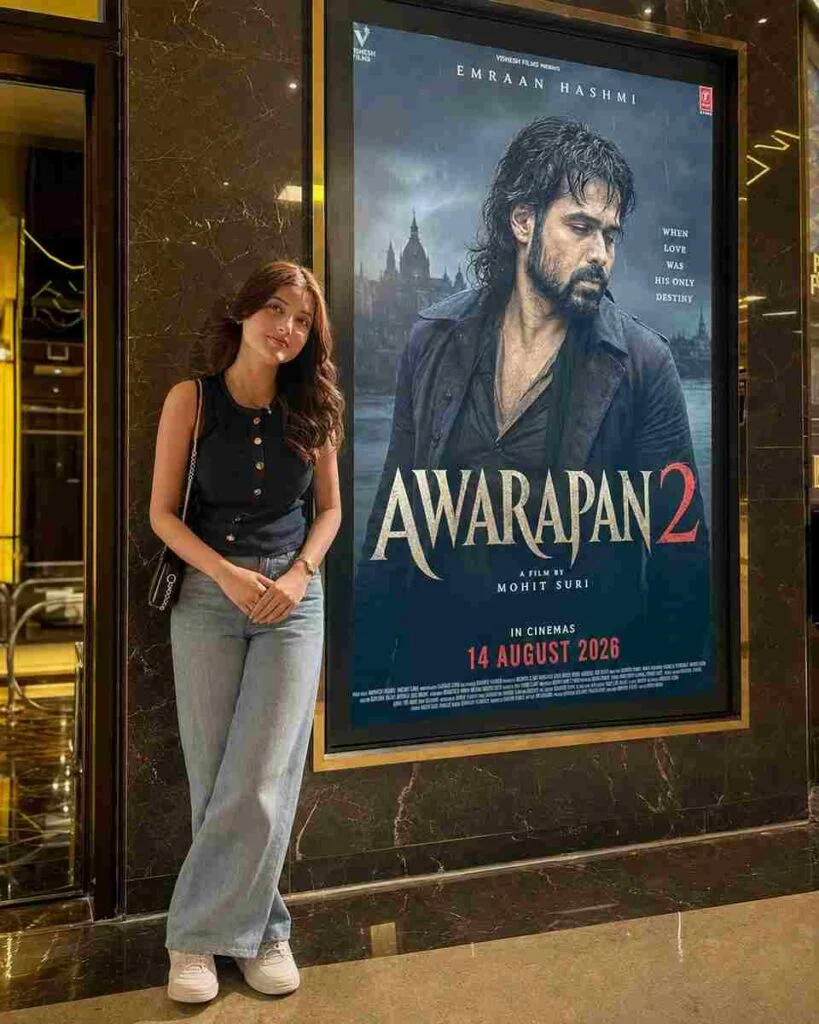
How to Make Awarapan 2 AI Edits Look Realistic?
For a natural movie-style result, keep the editing simple and focus on the important details.
Best Backgrounds for Awarapan 2 Photo Edits
The right background can make the entire edit feel cinematic. Rainy streets, old city buildings, dark rooms, empty roads, rooftops, night markets, and atmospheric urban locations are all suitable choices.
For a softer romantic direction, try sunset streets, warm city lights, quiet cafés, or evening landscapes. If you enjoy experimenting with outdoor environments, Travel Photo Editing Tips can also provide useful inspiration for changing ordinary backgrounds into more interesting scenes.
For more ideas on creating realistic outdoor backgrounds, check out Travel Photo Editing Tips and explore different photo editing styles.
Common Mistakes to Avoid
Keep the edit simple and realistic. Avoid these common mistakes:
Final Thoughts
Awarapan 2 offers plenty of visual inspiration for AI photo editing because its world combines emotion, action, romance, and darker cinematic tones. The film’s return in 2026 has also created fresh interest in Shivam’s character and the visual style surrounding the sequel. For more trending AI photo editing ideas, visit AI Edit Prompts and discover new styles for your next edit.
With the right Awarapan 2 Movie AI Photo Editing Prompts, a simple portrait can take on the atmosphere of a dramatic Bollywood scene. Focus on lighting, expressions, location, and color grading first, then add smaller details to complete the look. This approach keeps the final edit cinematic while still allowing the original photograph to feel natural.