Shivam AI Prompt – Latest AI Photo & Video Editing Prompts (Copy & Paste)
AI photo editing has made it easier to turn a normal selfie into something creative. You can create a cinematic portrait, try a traditional Indian look, or make an eye-catching Instagram Reel without spending hours on editing.
If you enjoy these creative edits, you may have come across Shivam AI Prompt on Instagram or while searching for Gemini AI photo editing prompts.
Shivam AI Prompt is known for sharing creative ideas for AI-generated photos, videos, couple portraits, and Indian festival edits. These prompts can help you experiment with different outfits, backgrounds, lighting effects, and photography styles. Also check: noorediting07 & AI Edit Prompts.
What Is Shivam AI Prompt?
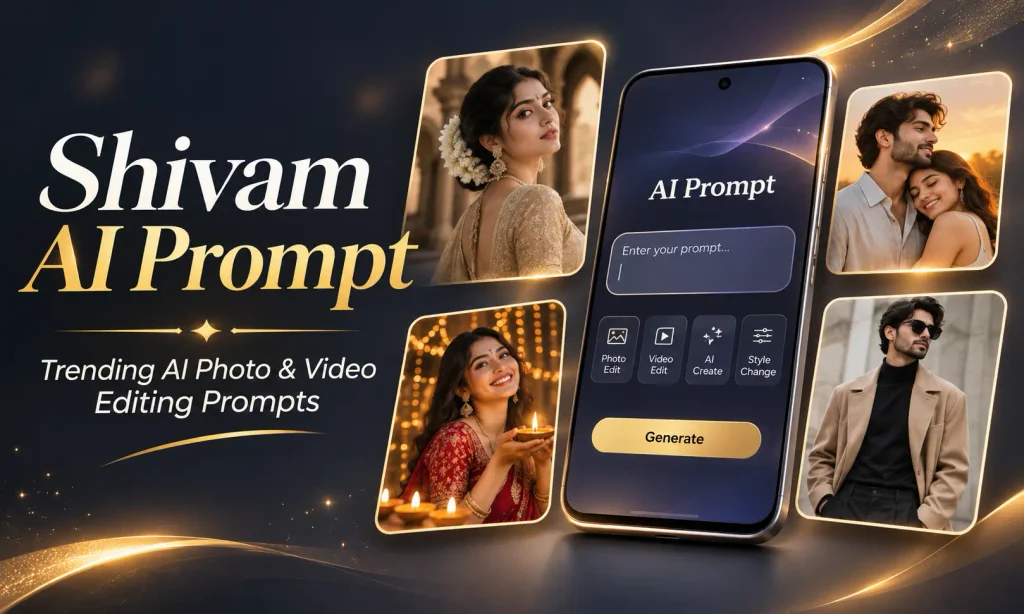
Shivam AI Prompts is an AI creativity website founded by Shivam Yadav. It shares photo editing prompts, video creation ideas, and tutorials for people interested in making AI-generated content.
The website includes categories such as ChatGPT prompts, couple prompts, boy and girl photo editing, video prompts, and templates. Its recent posts have also covered Instagram portrait styles, Chhath Puja photos, and AI video trends.
Popular Types of Shivam AI Photo Editing Prompts
Here are some popular creative categories worth exploring.
| Prompt category | What you can create |
|---|---|
| Cinematic photo prompts | Movie-style portraits with dramatic lighting |
| Boy AI photo editing | Stylish outfits, bikes, attitude poses |
| Girl AI photo prompts | Fashion, traditional outfits, natural portraits |
| Couple photo editing | Romantic, wedding and sunset photography |
| Festival AI prompts | Diwali, Holi, Chhath Puja and Karwa Chauth photos |
| Lookbook AI prompts | Fashion editorials and multiple outfit looks |
| 3D name prompts | Metallic names, glowing text and digital posters |
| AI video prompts | Cinematic motion and short-form video scenes |
| CapCut template edits | Beat-sync photo transitions and Reels |
Best Shivam AI Prompt Copy Paste Ideas for Photos
If you’re looking for an AI photo prompt copy paste collection, the examples below are a good place to start.
Cinematic Boy AI Photo Prompt
Golden Hour Couple AI Photo Prompt
Stylish Girl AI Photo Editing Prompt
Shivam AI Prompt Lookbook – Fashion Editing Idea
Shivam AI Prompt Diwali – Traditional Festival Portrait
Shivam AI Prompt Karwa Chauth – Romantic Couple Portrait
How to Use Shivam AI Prompt in Google Gemini
Google Gemini supports image generation and image editing through written instructions. You can upload an existing image and request changes to its style, appearance, or background.
Follow these steps:
- Open Google Gemini on your phone or computer.
- Sign in to your Google account if required.
- Select an available image generation or editing option.
- Upload a clear photo if you’re editing an existing image.
- Copy a prompt from this article.
- Paste the prompt into Gemini and generate the image.
- Review the result and request changes.
- Download the finished photo.
How to Use AI Photo Editing Prompts in ChatGPT
ChatGPT also supports image generation and editing. You can describe a new image or upload your own photograph and explain the changes you want.
The process is simple:
- Visit ChatGPT.
- Open a chat with image-generation features available.
- Upload your reference photo.
- Paste your chosen editing prompt.
- Ask ChatGPT to generate the edited image.
- Check the facial details, background, clothes, and lighting.
- Request adjustments.
- Save the image.
Best AI Prompt Image Generator Tools
Different AI tools are useful for different creative tasks.
| AI tool | Best suited for |
|---|---|
| Google Gemini | AI portraits, photo edits and creative image generation |
| ChatGPT | Creating images from prompts and refining uploaded photos |
| Midjourney | Artistic concepts, cinematic scenes and fashion-style visuals |
| Google Flow | AI-assisted cinematic video creation |
| CapCut | Video editing, transitions, captions and available templates |
Final Thoughts
Shivam AI Prompt offers inspiration for people who enjoy experimenting with AI photography, creative portraits, traditional Indian looks, and short-form videos.
You don’t need an expensive camera or professional editing experience to begin. A clear reference photo, a suitable prompt, and a little experimentation can help you create something interesting.
Start with a simple cinematic portrait. Then try couple photography, a festive background, or a fashion lookbook. Once you have a few good images, combine them into a Reel with smooth transitions and music.
The most useful approach is to treat every AI prompt as a starting point. Change the outfit, location, lighting, and composition to create a result that feels personal.
Whether you’re creating an Instagram DP, a festival greeting like 15 August Independence Day Photo, a CapCut-style edit, or a YouTube Short, a well-written AI prompt can make the creative process easier.