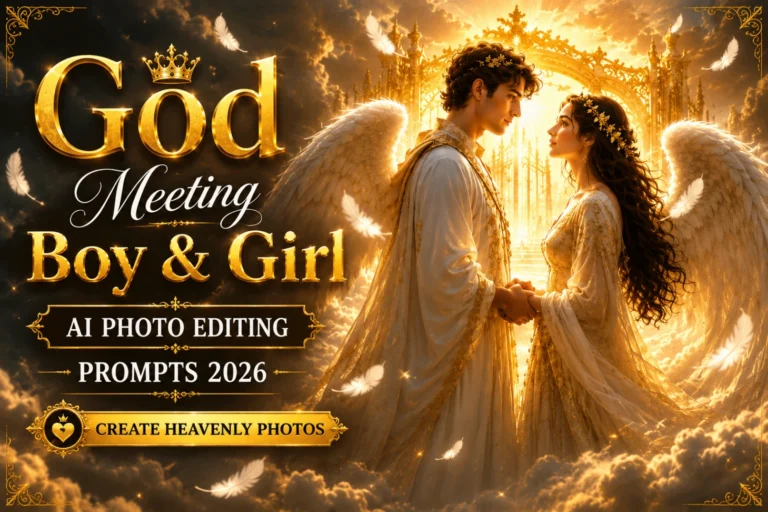
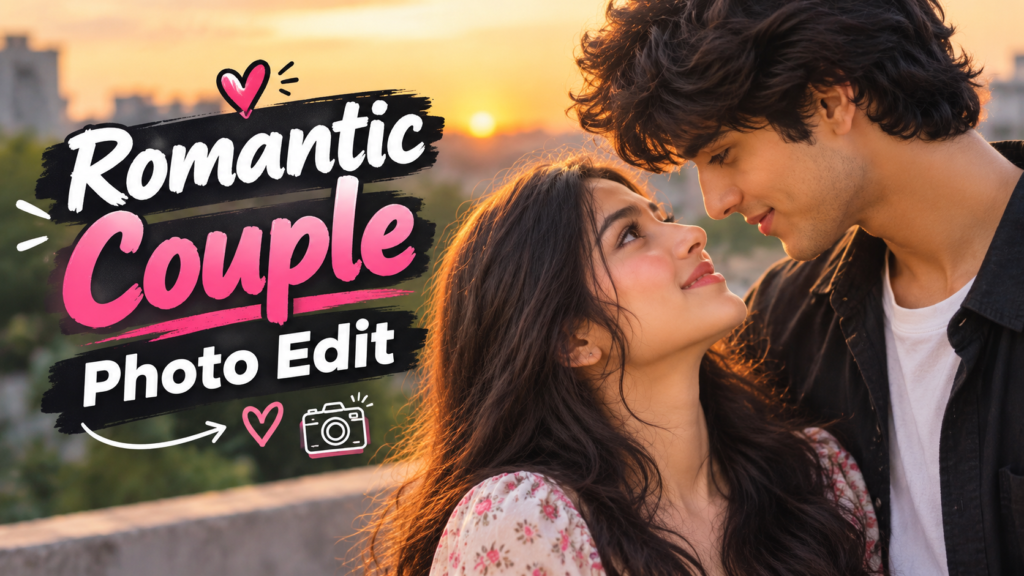
Romantic Couple Photo Prompt: Copy and Paste AI Prompts for Beautiful Couple Pictures
Sometimes, one simple photo can hold a lot of memories. You might want to turn an ordinary selfie into a romantic portrait, create a dreamy sunset picture, or make a cute couple photo for Instagram. With a good Romantic Couple Photo Prompt, you can try these styles using an AI image tool without arranging a professional photoshoot.
The best part is that you can choose your own setting, outfits, poses, and mood. Whether you prefer a natural couple selfie or a cinematic love-story look, these copy-and-paste prompts can help you create a picture that feels personal. You can also upload your own photos when the tool supports image editing and ask it to keep both faces recognizable.
Best Romantic Couple Photo Prompts to Copy and Paste
Here are some romantic photo ideas you can try with ChatGPT, Gemini, or another AI image generator. You can also explore Raksha Bandhan AI Photo Editing Prompts to create beautiful sibling photos with traditional outfits, festive backgrounds, and special Rakhi moments. Upload your reference photo if needed, copy the prompt for your preferred style, and adjust the details to match your idea.
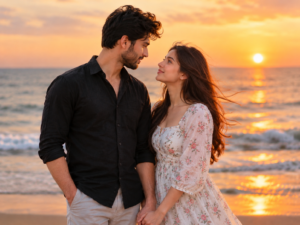
1. Romantic Couple Photo at Sunset
A sunset gives couple photos a warm and peaceful feeling. This style works well for a romantic portrait, a profile picture, or a special memory you want to save.
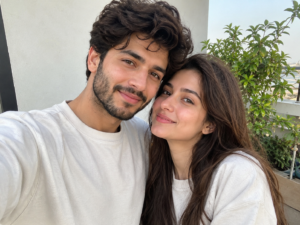
2. Cute Couple Selfie Prompt
If you prefer a simple and natural picture, try a selfie-style edit. It can give your photo a casual look without making the couple appear too posed.
3. Romantic Couple Photo in the Rain
Rainy scenes are a good choice if you like emotional, movie-style pictures. A shared umbrella and city lights can create a beautiful romantic atmosphere.

4. Couple Hug Photo Prompt
A warm hug can make a picture feel more personal than a formal pose. Use this prompt for a soft, emotional portrait.
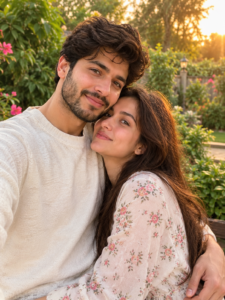
5. Romantic Couple Photo with Flowers
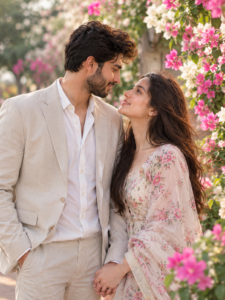
Flowers can add color and a dreamy feel without making the picture look too dramatic. This style is suitable for anniversaries, romantic posts, and couple wallpapers.
How to Create a Romantic Couple Photo with AI
You do not need advanced editing skills to try these ideas. Most of the work comes down to choosing a clear prompt and explaining what you want the final photo to look like.
- Choose an AI image tool. Open ChatGPT, Gemini, or another tool that supports image generation or photo editing.
- Upload your photo if required. Use a clear picture with visible faces. If you are combining two separate photos, upload both when the tool supports it.
- Copy your preferred prompt. Choose a sunset, rainy scene, mirror selfie, vintage look, or another style from the list above.
- Adjust the details. You can change the outfits, background, pose, lighting, and image style to match your preference.
- Generate and review the result. Check the faces, hands, clothing, and background. If something looks unusual, ask the tool to correct that detail.
- Save your favorite version. Once you are happy with the image, save it in a suitable size for your profile picture, wallpaper, or social media post.
The exact options depend on the AI tool you use. Some tools can edit an uploaded image, while others may create a new image from your description.
Tips for Getting More Natural Couple Photos
A long prompt is not always a better prompt. Clear instructions about the people, setting, pose, and lighting usually give the AI a better idea of what you want. For festive edits, you can also try Viral Krishna Janmashtami AI Photo Editing Prompts to create beautiful, traditional, and eye-catching Janmashtami photos.
- Use clear reference photos: Blurry or heavily filtered images can make it harder to preserve facial details.
- Mention face preservation: Add a line such as “Keep both people’s original facial features, skin tones, and hairstyles recognizable.”
- Describe the pose: Instead of saying only “romantic couple,” explain whether they are holding hands, hugging, walking, or looking at each other.
- Choose one main style: Avoid mixing vintage film, anime, wedding photography, and a realistic selfie in the same prompt unless you specifically want a combination.
- Keep expressions natural: Ask for relaxed smiles and natural body language if you do not want an overly posed result.
- Fix small mistakes separately: If the background looks good but a hand or facial detail is wrong, request a focused correction rather than changing the entire scene.
Remember that AI tools do not always preserve faces perfectly. You may need to try a few versions before getting a result you like.