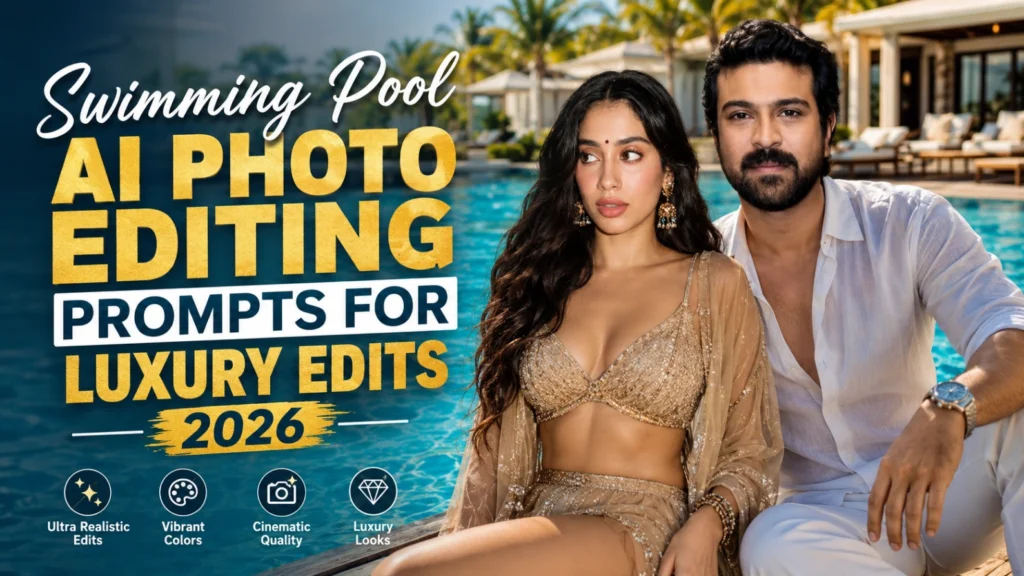
Swimming Pool AI Photo Editing Prompts | Gemini Prompts 2026
Water is one of the most challenging elements to recreate in an AI-generated photo. Reflections, ripples, wet surfaces, underwater distortion, and sunlight must remain consistent, or a luxury poolside portrait can quickly look artificial. A detailed prompt helps balance these elements while preserving natural skin tones, body proportions, and facial details.
You can create infinity-pool portraits, tropical resort photography, summer vacation edits, poolside fashion shoots, and sunset swimming scenes by defining the location, pose, camera angle, water texture, and lighting. For more destination-inspired concepts, explore Trending Travel Photo Editing Prompts for Amazing AI Photos 2026.
This guide provides Swimming Pool AI Photo Editing Prompts for realistic resort backgrounds, cinematic water reflections, night-pool lighting, and refreshing lifestyle images. You’ll also learn how to select the right AI tool, improve image quality, and avoid common errors in water-based photo editing.
What is a Swimming Pool AI Photo Editing Prompt?
A Swimming Pool AI Photo Editing Prompt is a text instruction used in AI tools to transform a photo into a stylish poolside image. It helps the AI add effects like crystal-clear water, luxury resort backgrounds, cinematic lighting, and vibrant summer colors.
Simply enter the prompt, and the AI creates a professional-looking swimming pool photo automatically.
Why Swimming Pool AI Edits Are Trending in 2026
AI photo editing has evolved significantly over the past few years. Earlier tools struggled with realistic water effects and reflections. Today’s advanced models can generate lifelike pool environments with remarkable accuracy. For more warm-weather backgrounds and coastal lifestyle ideas, try Beautiful Sunset Beach AI Photo Editing Prompts 2026.
Several factors are driving this trend:
According to Adobe’s Creative Trends reports, visually immersive images consistently generate stronger engagement than standard photographs. Pool-themed edits fit perfectly into this category.
Creators also appreciate how AI allows them to produce premium-looking content without renting expensive locations.
Best Swimming Pool AI Photo Editing Prompt
Luxury Resort Swimming Pool Prompt
Infinity Pool Sunset Prompt
Tropical Pool Paradise Prompt
Night Pool Glow Prompt
Poolside Fashion Editorial Prompt
Summer Vacation Pool Prompt
Cinematic Swimming Pool Portrait Prompt
Keep the Waterline and Reflections Consistent
In a realistic poolside AI portrait, the waterline should match the subject’s position and camera perspective. When part of the body is underwater, ask the AI to include natural refraction, gentle distortion, soft ripples, and accurate light movement beneath the surface.
Also check whether the subject, nearby furniture, palm trees, and pool lights appear correctly in the water reflection. Incorrect mirror images, floating objects, or duplicated body parts can weaken an otherwise convincing luxury swimming pool edit. Consistent water physics will make the resort photography effect look more natural and professionally captured.
Best AI Tools for Pool Photo Editing in 2026
Several AI platforms excel at creating realistic swimming pool imagery. Also Try:
| AI Tool | Best For | Strengths | Limitations |
|---|---|---|---|
| Midjourney | Artistic visuals | Exceptional detail and aesthetics | Less precise editing |
| ChatGPT Image Generation | Prompt-based creation | Strong realism and easy prompting | Requires prompt refinement |
| Adobe Firefly | Commercial projects | Licensed training data | Style flexibility varies |
| Flux AI | Realistic portraits | Excellent facial accuracy | Learning curve |
| Leonardo AI | Social media content | Fast generation | Output consistency varies |
Each tool offers unique benefits depending on your goals. For social media creators, realism and speed often matter most.
How to Create Professional Swimming Pool AI Images
Common Mistakes to Avoid
Expert Tips for Ultra-Realistic Pool Photos
Conslusion
The popularity of AI-generated lifestyle photography continues to grow, and Swimming Pool AI Photo Editing Prompt 2026 represents one of the most effective ways to create luxury-inspired visuals without expensive locations or production costs. By combining detailed prompts, realistic lighting, accurate reflections, and professional editing techniques, you can produce stunning poolside images that stand out on social media, websites, and marketing campaigns. Start experimenting with different prompt variations, refine your outputs, and use the latest AI tools to achieve professional-quality results.