Trending Watercolor Painting AI Photo Editing Prompts 2026| Creative Ideas
Soft colour washes, visible brush marks, and textured paper can give a digital photograph the charm of traditional artwork. Watercolor Painting AI Photo Editing Prompts recreate this appearance by replacing sharp photographic edges with blended pigment, gentle shading, and natural paint movement.
ChatGPT and AI image generators can follow instructions for transparent layers, pigment splashes, paper grain, loose outlines, and hand-painted details. Clear information about the subject, colour palette, lighting, brush technique, and background helps the image maintain a recognizable form while gaining an authentic watercolor finish.
The same painting style can be adapted in several ways. Portraits may use controlled facial details and delicate skin tones, while landscapes can include flowing skies, softened trees, misty mountains, and areas of untouched white paper. These prompts cover watercolor portraits, travel artwork, romantic paintings, street scenes, fantasy compositions, and nature illustrations.
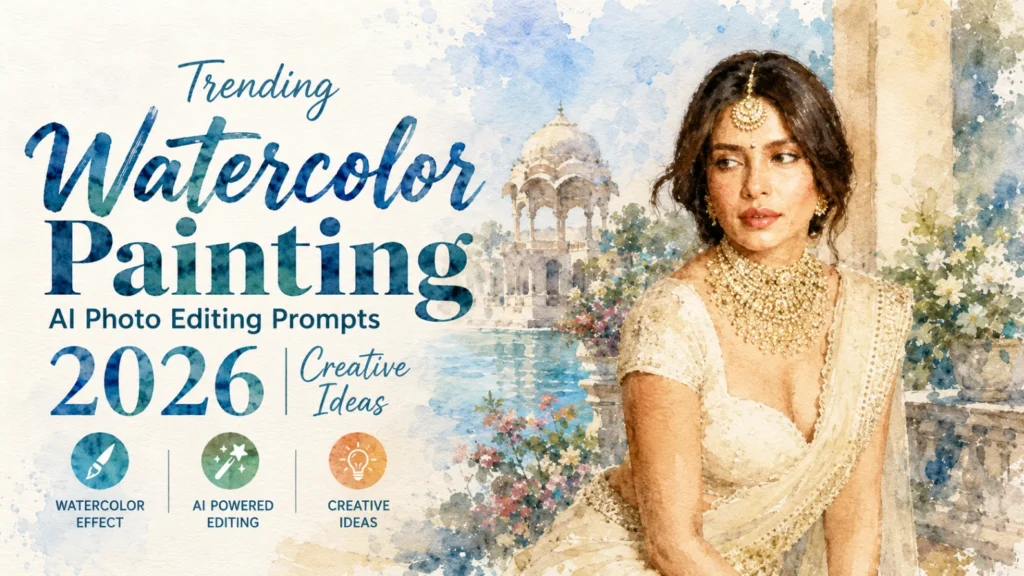
What is Watercolor Painting AI Photo Editing?
Watercolor Painting AI Photo Editing is a creative process where AI transforms a regular image into a watercolor-style artwork. Instead of looking like a normal photograph, the image appears as if it has been painted by hand using watercolor brushes on textured paper.
This style is known for its soft edges, flowing colors, artistic splashes, and elegant visual appeal. It is widely used for social media content, profile pictures, digital art projects, posters, and creative photography edits.
For a bolder handmade finish with wax marks and stronger sketch outlines, explore Best Instagram Crayon Drawing AI Photo Editing Prompts 2026.
Why Watercolor AI Edits Are Trending in 2026
The watercolor effect creates a unique balance between realism and artistic expression. Many content creators, photographers, and AI artists use this style because it adds beauty and creativity without making images look overly artificial.
Some reasons for its growing popularity include:
Best Watercolor Painting AI Photo Editing Prompts
Classic Watercolor Portrait
Watercolor Nature Landscape
Watercolor Street Photography
Watercolor Couple Portrait
Watercolor Fantasy Girl
Watercolor Travel Scene
How to Create Better Watercolor AI Images
To achieve more realistic watercolor effects, include artistic details in your prompts. Mention watercolor paper texture, brush strokes, color blending, paint splashes, soft edges, and natural lighting. These elements help AI produce artwork that closely resembles traditional watercolor paintings.
You can also experiment with different themes such as portraits, landscapes, travel photography, pets, fantasy characters, and nature scenes. Combining detailed descriptions with artistic watercolor elements often produces the best results.
Botanical washes, green scenery, wildlife, and conservation artwork can also be developed with World Environment Day AI Photo Editing Prompts & Ideas 2026.
Tips for Better Watercolor AI Prompts:
Keep Some White Paper Visible
Traditional watercolor painting does not cover every part of the paper with thick colour. Unpainted areas often create highlights, breathing space, and a lighter overall composition.
Ask for transparent pigment layers instead of fully opaque paint. Bright sections around the face, clothing, clouds, flowers, or water reflections can show the natural paper underneath.
Different effects can be controlled through the prompt:
Avoid combining thick oil-paint texture, heavy impasto, plastic-smooth shading, and watercolor in the same instruction. Those terms can weaken the light, fluid appearance.
Mistakes You Should Avoid
Many beginners use very short prompts and expect professional results. Watercolor AI editing works best when prompts contain enough detail.
Avoid these mistakes:
Detailed prompts usually generate more realistic and visually appealing watercolor artwork.
Where Watercolor AI Artwork Can Be Used?
Watercolor AI images are widely used across different creative fields because they offer a unique artistic appearance. Their soft colors and painted textures make them perfect for both personal and professional projects.
Popular uses include:
Conclusion
Watercolor Painting AI Photo Editing Prompts are among the most creative AI art trends of 2026. They transform ordinary photos into beautiful hand-painted masterpieces with soft brush strokes, flowing colors, and realistic watercolor textures. Whether you are creating portraits, landscapes, travel scenes, or fantasy artwork, detailed prompts can significantly improve the final results.
By using the prompts shared in this guide and adding artistic elements like watercolor paper texture, brush strokes, color blending, and natural lighting, you can generate stunning watercolor-style images that look professional, creative, and visually captivating. Also explore Dreamy Pre-Wedding AI Prompts for Romantic Couple Photos 2026.